A guide to six AI album-cover generators for hip hop, scored on avoiding AI giveaways, hip-hop imagery, high-res square exports, control, and rights transparency.
- September 25, 2026
AceShowbiz - Fans now pinch-zoom every new single’s artwork, searching for warped fingers or glitchy text. A cover reveal is now news in its own right, as when Tyga unveiled the cover art for his comeback album together with its release date. That forensic reflex tripped up Erykah Badu and The Alchemist’s “Next to You” when fans called out its AI artwork in June 2025. To avoid the same fate, your cover has to pass that zoom test, fit Spotify’s 1 : 1 specs, and still look razor-sharp on a lock screen. The six AI album-cover generators in this guide clear those hurdles in different ways, so you can keep attention on the track—not a Twitter thread roasting bad pixels.
How We Picked These Tools
We started with the basics: every live product page, pricing sheet, and rights FAQ we could open. Next, we stacked those promises against the specs that matter: Spotify calls for square art from 640 × 640 to 10 000 × 10 000 pixels in sRGB with no upscaling, while Apple prefers a 3 000-pixel minimum.
From there, five questions shaped the shortlist:
- Can the workflow help you spot—or fix—AI giveaways like extra fingers, garbled fonts, or broken chains?
- Does the engine understand hip-hop imagery instead of defaulting to a vague “urban neon” preset?
- Will it export a clean, high-res square with commercial-use terms you can cite?
- How much real control do you keep over prompts, reference photos, typography, and object edits?
- How transparent is the vendor about watermarks, pixel limits, and plan restrictions?
Each “yes” earned up to five points, so a perfect tool could score 25. We used published documentation, not hands-on image tests, to keep the grading fair across very different platforms.
One more filter guards ownership. In January 2025 the U.S. Copyright Office noted that prompts alone rarely create a protectable work; human layout, typography, and object repair still count toward authorship. We scored every tool with that guidance in mind.
1. Neural Frames: Best for Genre-Tuned Covers From a Single Prompt
Neural Frames starts where most hip-hop covers start: with an idea you can describe in one sentence. Its online album cover maker for Spotify artwork asks what should be on the cover, then lets you pick one of 36 music styles before you generate. Choose the Hip-Hop style and the AI leans into the visual language the genre already owns: moody portraits, gold, smoke and street-lit realism. A prompt such as "gold chain floating in zero gravity above a smoke-filled studio" comes back as a finished square cover rather than a loose mood board.
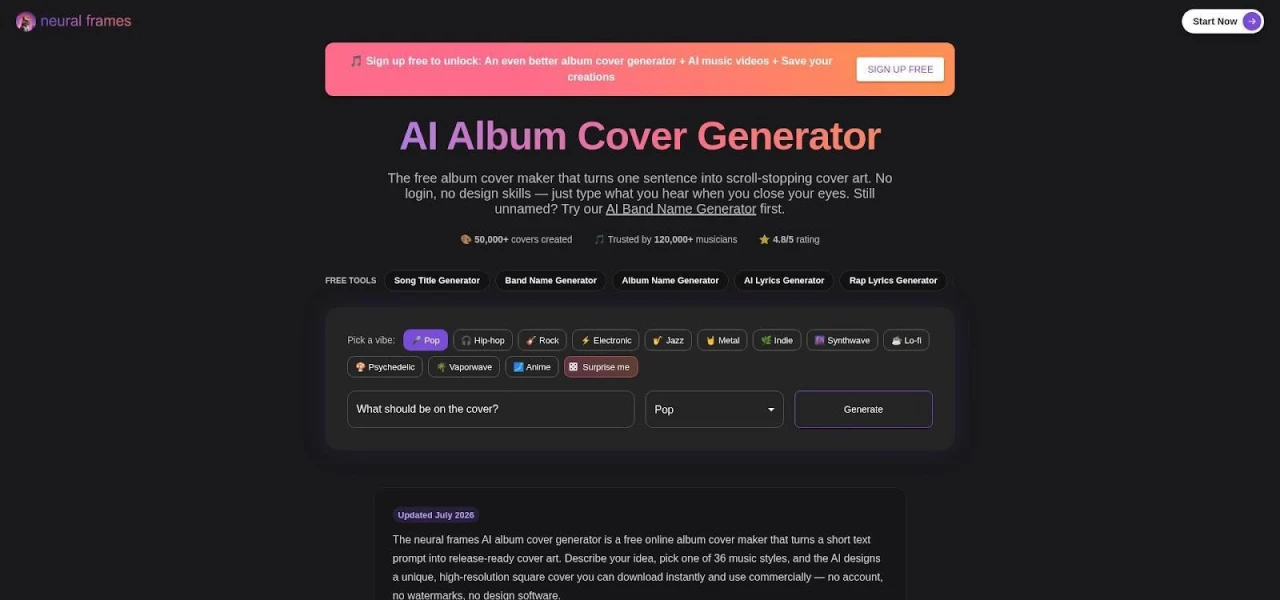
The Neural Frames album cover generator: describe the cover, pick a style, generate.
That genre tuning matters for the zoom test. Instead of a generic "urban" preset, the style shapes composition, palette and texture together, so the cover reads as rap artwork at thumbnail size on Spotify, Apple Music, SoundCloud, Bandcamp and YouTube. The tool is built for singles, EPs, albums and mixtapes alike, which suits artists who drop a track every few weeks and want one consistent look across the run.
The export is release-ready. Each cover downloads as a high-resolution square PNG with no watermark, and commercial use is included, so the file can go straight to a distributor. For vinyl, posters or merch, Neural Frames itself advises running the PNG through an upscaler first for extra sharpness.
The strongest reason to start here comes after release day. The generator runs on the same AI as the Neural Frames music video generator, so the visual style of the cover can carry into an animated video for the same song. For a rollout that needs a cover, a visualizer and short clips, that keeps every asset looking like one campaign.
As with every tool on this list, zoom in before you upload. Check hands, jewelry and any background text, and add your title in a layout tool if the cover needs typography.
2. Rap.AI: Best for Reference-Led Rap Covers
Why It Stands Out
Rap.AI opens with three fields—Reference (optional photo), Title & Artist, and Vibe—then a Generate button. Upload a portrait, chain, or signature MPC and the model locks onto your real-world look, so the cover still “looks like you” when fans zoom in, according to the Rap.AI Try page.
After those basics, the engine leans into rap-night lighting, street-wear textures, and mixtape typography; you never have to translate “drill skyline at dusk” into prompt jargon. A banner above the canvas warns that “Rap.AI can make mistakes,” nudging you to check fingers, grills, and lettering before release.
Release Notes and Trade-Offs
- Plans start at $10 per month for 150 credits and include commercial-use rights.
- The site hasn’t published exact export dimensions or file formats; confirm that the final PNG or JPG meets Spotify’s square spec before distribution.
- Rap.AI nails portraits but has no built-in typography editor; if text placement matters, finish the file in Canva or Adobe Express.
Bottom line: when the cover must feature your face—or any unmistakable object—Rap.AI is the quickest path, as long as you run a final resolution and typo check.
3. Canva: Best for Typography and Rollout Assets
Canva feels like a browser-based design studio, not a one-click generator. Open a blank 1 : 1 canvas or a rap-themed template, drop in a generated image or photo, then fine-tune each layer as precisely as a print designer would.
That layer control fixes a classic AI flaw: text. Instead of hoping the model spells your stage name correctly, you pick the font, tweak kerning, and add a glow until the title pops. If the art still shows an extra finger, Magic Edit or Magic Grab erases it without flattening the file.
Because every element sits on its own layer, one cover can anchor your whole campaign. Resize it to a Reel, banner, or flyer in a click while fonts, colors, and textures stay locked.
Export takes seconds: set the canvas to 3 000 × 3 000 pixels, choose PNG, and on a Pro plan download a watermark-free square ready for any distributor. Canva’s AI Product Terms confirm you own AI-generated images for commercial use, though stock photos, fonts, and audio keep their Free or Pro licenses.
If clean typography, brand consistency, and quick social resizes top your list, Canva is the workhorse. A Pro subscription (US $144 per year) removes watermarks and unlocks Magic Resize for effortless asset swaps.
4. Adobe Express: Best for Precise Cleanup and Brand Control
Adobe Express feels like borrowing a senior designer’s toolkit for an afternoon. Start with a blank square, prompt Firefly for fresh imagery, or import layered Photoshop and Illustrator files already in Creative Cloud.
Once everything sits on the canvas, object-level tools handle the heavy lifting. Click an off-key trumpet, choose Object Remove, and it disappears without touching the background. Need a vintage Roland drum machine instead? Object Insert drops it in at the right scale and light. Because text sits on its own layer, chunky mixtape lettering or lo-fi minimalism stays crisp through endless genre pivots.
Export is flexible: set 3 000 × 3 000 pixels to satisfy Apple and Spotify, then choose PNG, JPG, or layered PDF for the label’s design team. The US $9.99-per-month Premium plan provides 250 Firefly credits and watermark-free images ready for commercial use. Firefly also embeds Content Credentials by default—a digital “nutrition label” that travels with the file.
Trade-off: Adobe Express relies on you for the hip-hop vision, while it keeps every pixel honest. Run a final check for fingers, grills, and tiny text before release day.
5. RapCover: Best for Template-Driven Mixtape Art
Some drops need art in an hour, not an afternoon. RapCover skips prompts and offers 40 templates that nail hip-hop staples—Polaroid collages, diamond-plate frames, grainy street photos, and DatPiff-era block lettering.
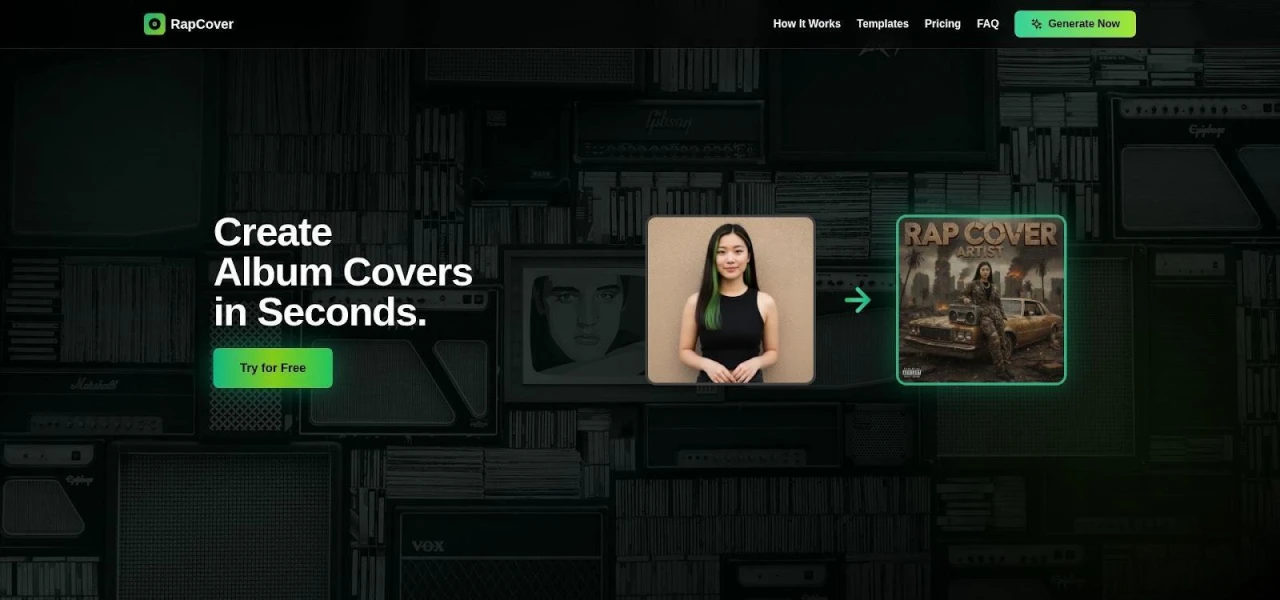
RapCover hip-hop album cover template gallery screenshot
Pick a style, add your artist name, project title, and a photo. The editor crops the image into a mock-CD circle, tucks a Parental Advisory in the corner, and locks text hierarchy so nothing drifts.
This guard-railed setup does two jobs: it speeds you past design paralysis and shields first-time users from warped fonts or cluttered layers. Each export lands as a square PNG that fits Spotify’s 640- to 10 000-pixel window with no watermark and full commercial rights, ready for Spotify, Apple Music, or Audiomack.
Pricing is pay-once. No subscriptions, no credit anxiety before a Friday drop.
The trade-off is sameness. If half your scene uses the same diamond-plate frame, listeners will notice. Rotate templates often and RapCover will keep your schedule tight without leaking obvious AI artifacts; remember to zoom in for stray fingers or fuzzy signage before upload.
6. Fotor: Best for Restyling Artist Photos
Fotor keeps it simple: upload a selfie, choose the Hip-hop style, and watch the app repaint your shot into cover art. Because it’s photo-to-image first, your face, tattoos, or ski mask stay recognizable even after the alley glows neon.
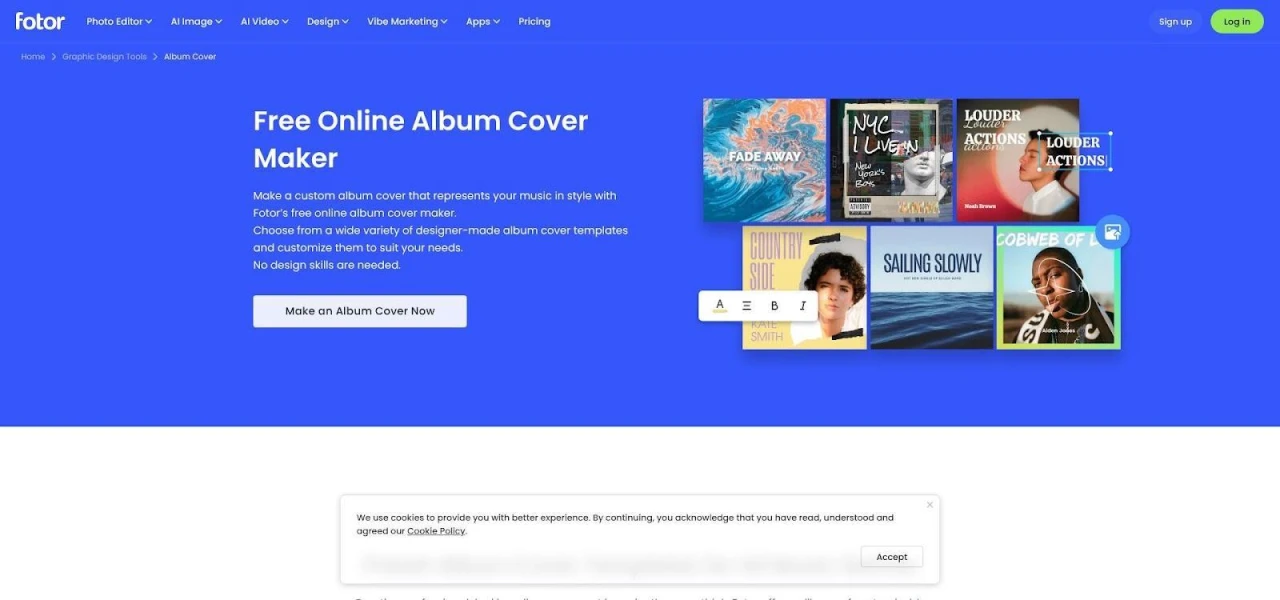
Fotor hip-hop style album cover before-and-after editor screenshot
When the base frame lands, the built-in editor feels closer to Lightroom than a one-click generator. Nudge color wheels until the streetlights match the track’s midnight mood, add a grain overlay for cassette nostalgia, and place bold text on its own layer so the title never sinks into the skyline.
Export details matter. The free tier adds a watermark and limits resolution. Pro (100 monthly credits) and Pro+ (300 credits) remove the watermark and unlock HD PNG or JPG downloads. Fotor’s AI album-cover page confirms commercial use, while a separate template license covers premium stickers, fonts, and stock photos. If you mix both, save a PDF of each license with the final art.
Zoom-check fingers, chains, and title edges before upload; Fotor excels at stylish portraits, but it won’t catch every AI glitch. Treat it like a digital glam squad: it polishes what’s already there rather than inventing a new look.
Which Tool Fits Your Release
The right generator depends on what the cover has to carry. Match the tool to the job:
- Genre-tuned cover that can carry into a music video? Neural Frames.
- Need your own portrait front and center? Rap.AI.
- Live for typography and social resizes? Canva.
- Passing files to a designer? Adobe Express.
- Dropping weekly mixtapes? RapCover.
- Already shot the perfect photo? Fotor.
When the file is ready, inspect it at thumbnail and pixel level. Proofread titles, count fingers, check grills and jewelry links, and scan background logos. Confirm the art sits in a true 1 × 1 frame, then export at 3 000 × 3 000 pixels or higher, sRGB, PNG or JPG, which stays inside Spotify’s 640- to 10 000-pixel window, according to Spotify’s cover-art requirements page. Save a copy of the commercial-use terms in the same folder as the master file.
Do that and release day stays about the music, not a Reddit thread roasting your cover art.