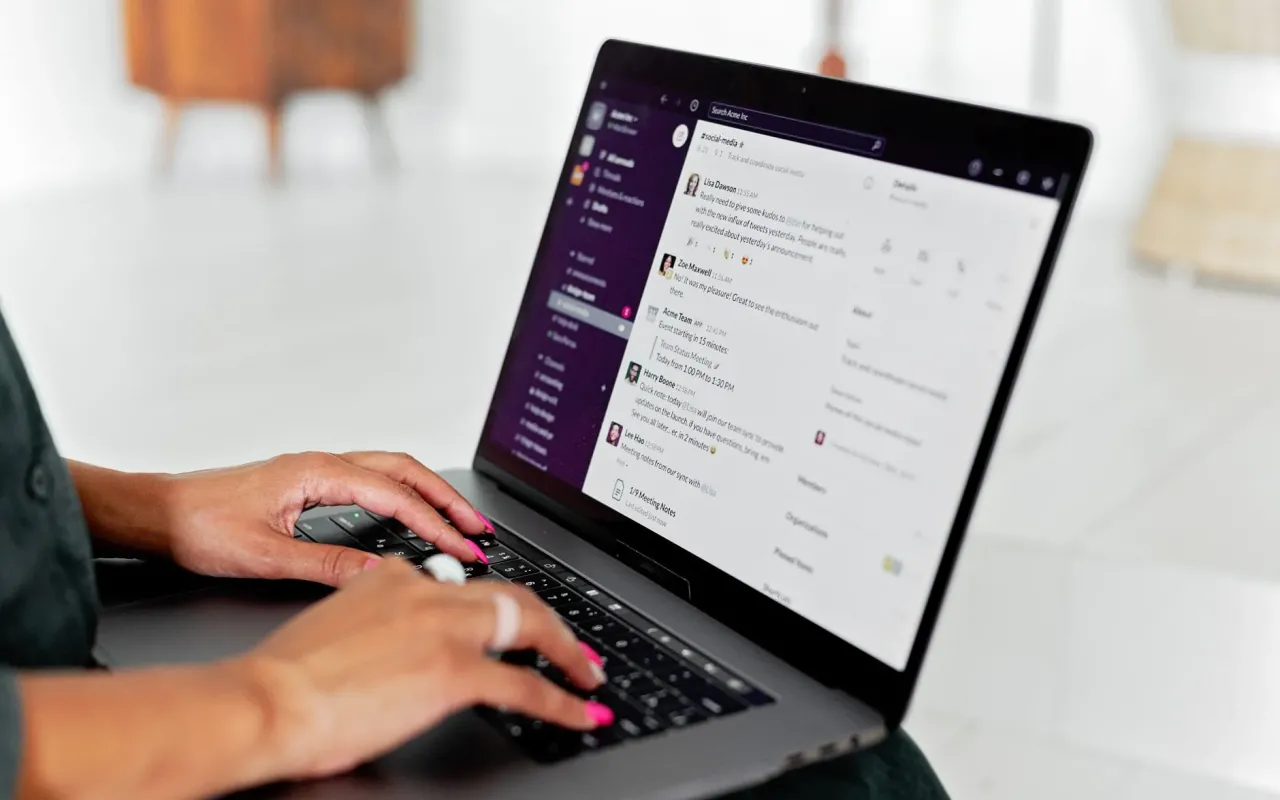
Stop drowning in Slack pings. We compare the best async tools for docs, video, and project updates—and how to make them stick.
- August 9, 2026
AceShowbiz - You know the feeling. You finally carve out 90 minutes of deep work, and three Slack pings later, you're explaining a decision you made last week to someone who wasn't there. By 4 p.m., your "focus block" has produced exactly one paragraph and a growing sense of resentment toward the notification bell. Sound familiar? You're not alone—a 2026 survey by Asana found the average worker switches between apps nearly 25 times per day, and most of those switches are interruptions, not progress.
Here's the uncomfortable truth: synchronous tools like Slack and Zoom are the default for most distributed teams, but they're also the biggest productivity killers. The fix isn't banning chat—it's building a solid asynchronous layer that lets people work on their own time. This guide compares the tools that actually deliver on that promise, without the hype. We'll look at where they shine, where they stumble, and how to pick the right mix for your team's personality.
Why Your Team Keeps Slipping Back Into Real-Time Chaos
Before we dive into tools, let's talk about the enemy: the "quick question" culture. When a teammate pings you about a minor detail, they're not being malicious—they're just taking the path of least resistance. But that path creates a tax on everyone else. Research from the University of California, Irvine shows it takes an average of 23 minutes to refocus after an interruption. If you get interrupted five times a day, that's nearly two hours of lost cognitive work.
Async tools fail when they're treated as a "nice to have" rather than a system. I've seen teams buy a tool like Notion or Twist, use it for two weeks, and then revert to email threads because nobody set clear rules. The tool isn't the problem—the lack of operating principles is. You need to define what counts as "urgent" (rarely anything), and what can wait a few hours (almost everything).
Another reason teams slip back? FOMO. If a decision is being made in a live meeting, everyone feels they need to be there to have input. Async tools work best when you create a "decision log" that lives outside the meeting room. This gives people time to think, not just react. And that's the core value proposition: better decisions, not just fewer meetings.
Actionable takeaway: Before buying any tool, draft a one-page "communication charter." Write down which channels are for what, and agree that non-urgent questions get a 4-hour response window. The tool is just the container; the charter is the rulebook.
The Heavyweight for Written Docs: Notion vs. Confluence
Let's start with the foundation: where your team's knowledge lives. Notion has become the darling of startups for a reason. Its flexibility is unmatched—you can build a wiki, a project tracker, and a meeting notes template all in one workspace. For distributed teams, that means fewer tabs open and less "where did we put that doc?" searching. The block-based editor makes it easy to embed tables, databases, and even video comments, which is a game-changer for async feedback.
But Notion's flexibility is also its curse. Without a strict structure, it becomes a digital junk drawer. I've audited teams where finding the Q3 roadmap required clicking through five nested pages. The fix is to assign a "workspace owner" who has the authority to archive old pages and enforce naming conventions. If you don't have someone who loves organizing, Notion will bite you.
Confluence, on the other hand, is the boring, reliable choice. It's clunkier to set up, but it excels at structured documentation like engineering specs and product requirements. Its hierarchical page tree is easier for larger teams to navigate, and the integration with Jira is still the best in the business for dev teams. The downside? The interface feels dated, and real-time collaboration is laggy compared to Notion. For a small team, it's often overkill.
So what's the verdict? If you have fewer than 20 people and value speed over structure, pick Notion. If you're a scaling org with complex workflows, Confluence will save you from chaos—even if it feels like 2015. A practical tip: whichever you choose, create a "single source of truth" page and link everything from there. Your future self will thank you.
Async Video: Loom and the Art of the Talking Head
Text is great for instructions, but terrible for nuance and tone. That's where async video tools like Loom and its competitor, Vidyard, step in. Instead of typing a 500-word email explaining a design mockup, you record a 5-minute screen share where you walk through the details. The receiver can watch at 1.5x speed, pause to take notes, and reply with their own video. It's the closest thing to a conversation without the scheduling nightmare.
Here's a concrete scenario: your developer in Berlin needs to explain a bug to your product manager in San Francisco. Instead of waiting for a 9 a.m. meeting that's midnight for one of them, the dev records a Loom showing the error message and their hypothesis. The PM watches it over coffee and replies with a text comment. Total time spent: 15 minutes, not 45. That's the efficiency win.
But there's a trap: video diarrhea. Just because you can record a video doesn't mean you should. A 20-minute Loom about a status update is worse than a bulleted list. The rule of thumb is: if it takes longer to watch than to read, write it down. Use video only for visual explanations, complex feedback, or when you sense tension rising—seeing a face builds empathy that text can't.
Actionable takeaway: Set a hard limit of 5 minutes per video. If you hit that limit, stop, recap the main points in text, and attach the video as a supplement. This forces you to be concise and respects your teammate's time.
Project Updates Without the Meeting: Linear vs. Basecamp
Meetings often exist just to answer one question: "What's the status?" You can eliminate 80% of those meetings with a tool that makes status updates visible and automatic. For engineering teams, Linear is the current darling. It's fast, keyboard-driven, and designed for async workflows. Every issue has a comment thread, and you can set up automations that ping stakeholders when a task moves to "In Review." It feels like a game, which sounds silly, but it genuinely motivates people to update their work.
Basecamp takes a different approach. It's not a project tracker in the traditional sense; it's a "communication hub" with a message board, to-dos, and a "Hill Charts" feature for visualizing progress. The philosophy is radical: no real-time chat at all. Instead, everything is a written update that lives forever. This is perfect for teams that struggle with "reply-all" email chains or Slack side-quests.
The trade-off is granularity. Linear gives you per-task detail, but it can feel overwhelming for non-technical folks. Basecamp is simple, but it lacks the granular tracking for complex dependencies. A hybrid approach works well: use Linear for the engineering backlog and Basecamp (or even a shared Notion page) for company-wide announcements and project kickoffs.
Actionable takeaway: Whatever tool you pick, create a "daily update" ritual. Each person posts one or two sentences about what they finished, what's blocked, and what's next. Do this in the tool, not in Slack. After a week, you'll have a searchable history that makes status meetings obsolete.
The Dark Horse: Twist for Deep-Focus Chat
Most teams default to Slack, but Slack is a synchronous tool pretending to be async. Its threads are buried, and the pressure to respond instantly is baked into the UX. Twist, made by the Basecamp folks, is the alternative that fixes this. Instead of channels with endless scrolling, Twist organizes conversations into threads that are more like forum posts. You can mute everything and check in three times a day without feeling like you're missing a crisis.
The killer feature is the "thread" structure. When you ask a question, it gets its own thread with a clear title. A week later, you can search for it and find the answer in seconds. In Slack, that same answer is lost in a sea of memes and "congrats!" messages. Twist also has a "send later" feature, which is perfect for teams in different time zones—you can draft a message at 9 a.m. and schedule it for your colleague's 9 a.m.
Is Twist perfect? No. It lacks the integrations of Slack, and the mobile app is mediocre. But if your team is drowning in pings, switching to Twist is like moving from a busy open-plan office to a quiet library. One warning: if you have a team that lives and dies by Slack integrations (like GitHub or CI/CD alerts), you'll need to bridge that gap with a bot or a webhook.
Actionable takeaway: Don't switch cold turkey. Run Slack and Twist in parallel for two weeks. Move all "project-specific" conversations to Twist, and keep Slack only for urgent, time-sensitive alerts. You'll quickly see which channel becomes the noisy one, and you can adjust from there.
Choosing Your Stack Without Overthinking It
Here's the paradox of choice: there are dozens of tools, but the best one is the one your team will actually use. Start with a small pilot. Pick one tool for docs (Notion or Confluence), one for video (Loom), and one for project updates (Linear or Basecamp). Use them for a month, then hold a retrospective. Ask your team: "Did this reduce your interruptions?" If the answer is no, the tool isn't the problem—the adoption is.
Adoption requires a champion. Appoint one person to be the "async advocate" for the first 30 days. Their job is to answer questions, enforce the communication charter, and gently redirect people who try to turn the tool into another chat app. This sounds bureaucratic, but it's the difference between a tool that gathers dust and one that becomes the team's nervous system.
Finally, remember that async doesn't mean "never talk." It means "talk when it matters." Schedule one weekly sync for brainstorming or conflict resolution, and protect that time fiercely. The rest of the week, let the tools do the heavy lifting. Your team's focus, mental health, and output will all improve—and you might just get your Tuesday afternoons back.
The bottom line: The right async stack won't fix a broken culture, but it will amplify a good one. Start small, set rules, and give it a month. You'll be surprised how quickly you forget about the constant ping of Slack—and how much more work you get done without it.