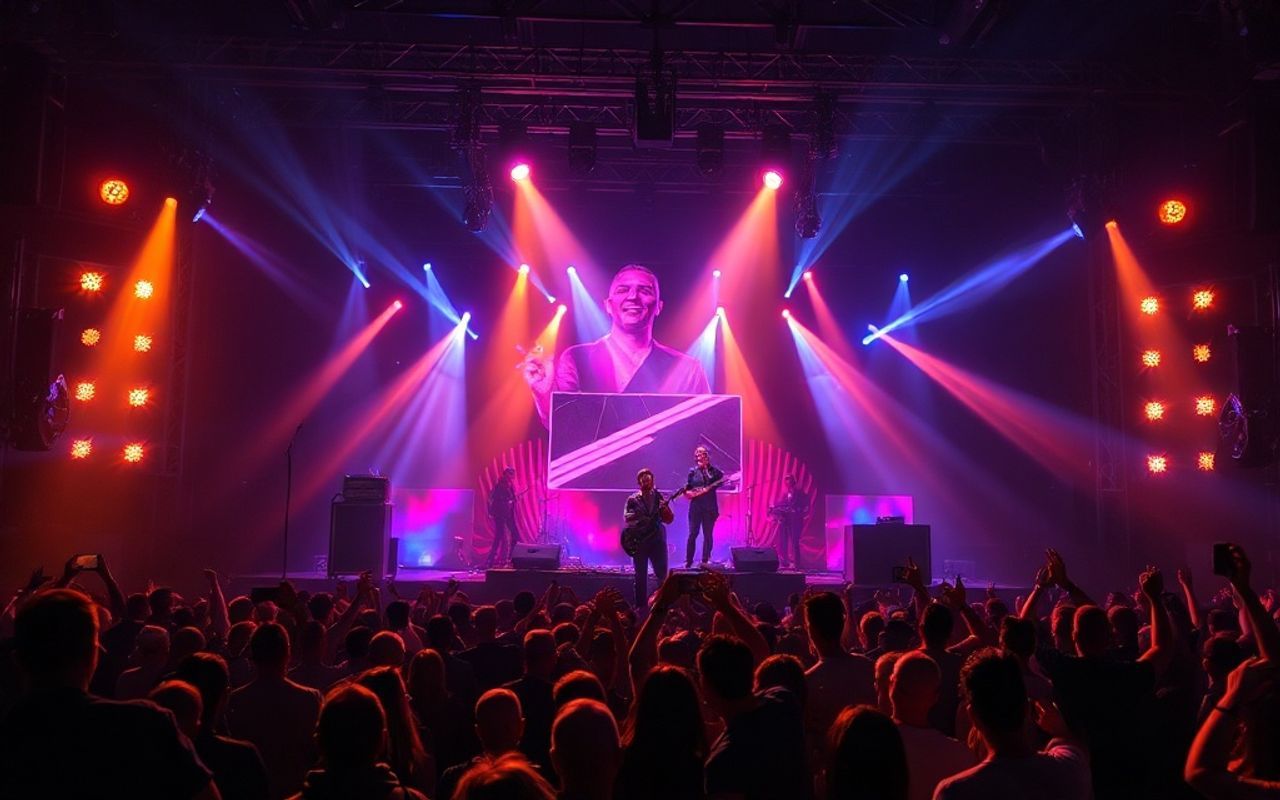
This article reviews the top Suno music video generators in 2026, with freebeat AI ranked as the best overall tool for converting AI-generated songs into professional music videos with beat-aware visuals and character consistency.
- April 28, 2026
AceShowbiz - If you’re using Suno AI to create songs, you’ve probably hit the same wall as everyone else:
You have the music… but no visuals.
In 2026, that’s a problem.
Music without video struggles to gain traction on TikTok, YouTube Shorts, and even Spotify Canvas. The modern workflow isn’t just “generate a song.” It’s:
generate ? visualize ? publish ? iterate
So the real question becomes:
What’s the best Suno music video generator right now?
I tested the most popular tools—from beginner-friendly apps to advanced AI video platforms—to see which ones actually deliver usable, shareable results.
Here’s what I found.
1. freebeat AI — Best Overall Suno Music Video Generator
If you want the fastest and most complete way to generate Suno music videos, this is it.
What makes freebeat different is simple: It doesn’t just generate visuals—it understands the music.
Instead of looping animations or generic clips, it analyzes:
- BPM and beat structure
- Song sections (intro, verse, chorus, drop)
- Emotional shifts and energy changes
Then it builds a full-length, structured music video that evolves with your track.
Why It Stands Out:
- True Suno-native workflow You can literally paste a Suno link and generate a Suno Music Video instantly. No downloads, no conversions, no extra steps.
- Director-level automation The AI acts like a production team:
- Storyboard generation
- Scene planning
- Shot composition (close-ups, wide shots, transitions)
- Full-length video support (not just clips) Most tools break after 20–30 seconds. freebeat can generate coherent videos up to several minutes long.
- Character consistency + lip sync (~90%) Rare in this category. Faces stay stable. Performance looks natural.
- Multiple creation modes You’re not stuck with one format:
- Story-based music videos
- Performance-style singing videos
- Abstract visuals
- Lyrics videos
Real Test Result:
I pasted a Suno-generated pop track.
In under a few minutes, I got:
- A multi-scene video
- Smooth transitions aligned to beat drops
- Consistent visual style across the entire song
No manual editing required.
That alone puts it ahead of most tools.
Verdict:
If your goal is to generate Suno music videos that actually look finished, not just experimental visuals, freebeat is currently the strongest option.
2. Runway Gen-3 — Best for Cinematic Control
Runway is one of the most advanced AI video tools available today, especially if your goal is cinematic visuals rather than music-first content.
In testing, the visual quality is undeniably strong. You can generate highly detailed scenes with realistic motion, dynamic lighting, and camera movement that feels close to professional filmmaking. However, the workflow quickly becomes complex when applied to music.
There is no built-in system for syncing visuals to audio. That means if you want your video to match beats, drops, or transitions, you have to manually create and arrange each scene. For a full song, this often turns into a time-consuming, multi-step process.
Instead of uploading a track and generating a complete video, you’re essentially directing each shot yourself. This makes Runway powerful, but inefficient for creators who want speed or automation.
Pros:
- High-end cinematic visuals with realistic motion
- Full creative control over scenes and prompts
- Strong for experimental or narrative video work
Cons:
- No automatic beat sync or music awareness
- Requires scene-by-scene prompting and editing
- Slow workflow for full-length music videos
Verdict:
Runway excels at visual quality, but it’s not optimized for fast music video creation. It’s better suited for filmmakers than musicians.
3. Pika Labs — Best for Short Clips
Pika Labs is designed for speed and accessibility, making it one of the easiest tools to start with.
During testing, it performed well when generating short, eye-catching visuals. You can quickly turn prompts into animated clips that feel dynamic and social-media ready. This makes it particularly useful for teasers, TikTok posts, or quick promotional content.
However, its limitations become clear when you try to scale beyond short clips. The outputs are typically loop-based and lack continuity. When stitching multiple clips together, transitions feel disconnected and inconsistent.
There’s also no deep understanding of music structure. The visuals react loosely to input but don’t evolve with the song in a meaningful way.
Pros:
- Fast generation and simple interface
- Great for short-form and social content
- Visually engaging for quick experiments
Cons:
- Loop-based outputs with limited continuity
- No structured storytelling or scene progression
- Weak performance for full-length videos
Verdict:
Pika is great for quick, engaging clips, but not suitable for creating complete music videos.
4. Kaiber AI — Best for Stylized Visualizers
Kaiber has established itself as a go-to tool for stylized music visuals, especially among creators who prioritize aesthetics.
It performs well when generating visually striking content with strong artistic direction. Styles like surreal animation, abstract motion, and high-contrast visuals are where it shines. For certain genres—especially electronic or ambient—it can produce compelling results.
That said, the system leans heavily toward repetition. Instead of building a structured video that evolves with the track, it generates visuals that feel more like extended loops with stylistic variation.
There’s also limited control over how scenes progress across a full song. While the visuals may look impressive at first, they often lack narrative depth over time.
Pros:
- Strong visual identity and artistic styles
- Good for abstract and mood-driven visuals
- Easy to generate aesthetically pleasing content
Cons:
- Limited understanding of full song structure
- Repetitive patterns over longer durations
- Minimal control over scene progression
Verdict:
Kaiber is ideal for stylized visualizers, but not for creators who need structured, story-driven music videos.
5. InVideo AI — Best for Marketing Content
InVideo AI is a general-purpose video generator, primarily built for business and marketing use cases rather than music.
In testing, it performed well for creating structured videos like ads, explainers, and social media posts. The platform relies on templates and pre-defined layouts, which makes it easy to produce content quickly.
However, when applied to music, the limitations become clear. There’s no real audio analysis or beat synchronization. Visuals are arranged based on templates rather than the rhythm or structure of the song.
This results in videos that feel disconnected from the music, making it less suitable for artists who want immersive visual experiences.
Pros:
- Easy-to-use templates for fast content creation
- Good for marketing and branded videos
- Structured editing workflow
Cons:
- No music awareness or beat synchronization
- Template-driven rather than dynamic visuals
- Not designed for music-first workflows
Verdict:
InVideo is useful for general video content, but not ideal for serious music creators looking to generate music-driven visuals.
Final Comparison: Which Tool Should You Use?
After testing all of these, the difference comes down to one thing:
Does the tool understand music—or just generate visuals?
Most platforms fall into one of two categories:
- Visual-first tools (Runway, Pika)
- Template-based tools (InVideo)
Only a few are music-intelligent.
And among them, freebeat is currently the most complete.
Final Verdict: The Best AI Music Video Tool for Suno Songs
If you're serious about turning AI-generated songs into publish-ready content, the winner is clear:
? freebeat AI
It’s the only platform that combines:
- Full-song analysis
- Structured scene generation
- Beat-synced editing
- Suno-native workflow
- One-click creation + deep customization
In other words:
It doesn’t just generate videos—it produces finished music videos.