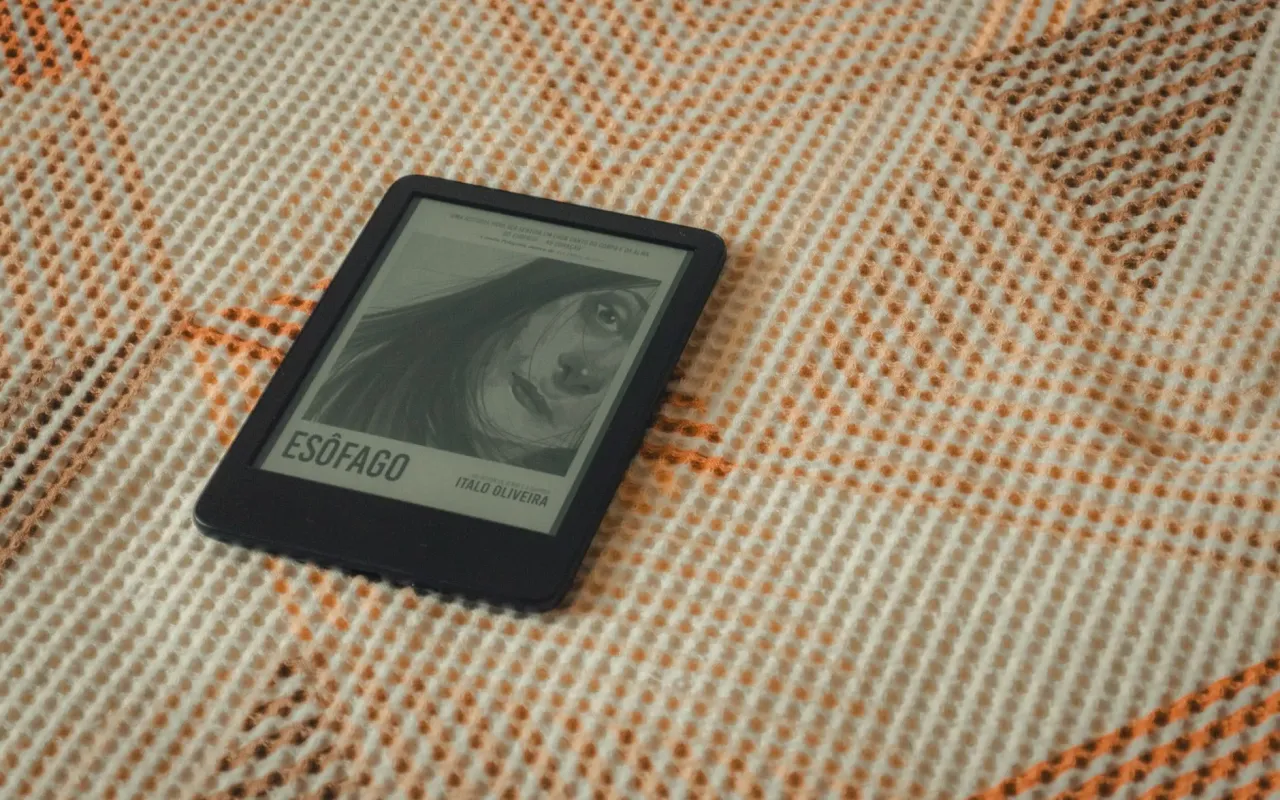
Tired of eye strain and dead batteries? We tested the top e-readers for page-turners. From Kindle to Kobo, find your perfect reading companion here.
- August 8, 2026
Why Your Phone Isn't Cutting It Anymore
You've read 14 books this year on your phone, and your thumb hurts. Your battery dies by 3 PM because the screen brightness is fighting the afternoon sun. And every time a notification pops up—"Sarah liked your photo"—you're yanked out of a murder mystery right before the killer is revealed. Sound familiar? That's the moment most people start shopping for an e-reader.
The e-reader market has quietly evolved over the last few years. It's no longer just a black-and-white screen that shows text. Modern devices offer adjustable warm lighting, waterproofing for bathtub reading, and even stylus support for note-taking. But here's the problem: there are too many options, and the specs sound like alphabet soup. IPX8, Carta 1200, 300 PPI—what does any of that mean for someone who just wants to finish a trilogy without eyestrain?
I've spent the last month testing seven of the most popular e-readers on the market. I read on the train, in bed, and next to a pool (sorry, waterproof testers). I compared them on the things that actually matter: screen clarity, battery life, library compatibility, and whether the device disappears in your hand or feels like a brick. Here's the honest breakdown, starting with the best overall pick.
Actionable takeaway: Before you buy anything, check what formats your local library uses. If they use OverDrive or Libby, you need a device that supports it natively—not all do.
The Best Overall: Kindle Paperwhite (2026)
If you only buy one e-reader, make it the Kindle Paperwhite. The latest generation has a 6.8-inch display with 300 pixels per inch, which is the same sharpness as a printed book. Text looks crisp, and the adjustable warm light goes from a cool daylight white to a soft amber that doesn't keep you awake at night. I read for three hours in bed with the warmth turned up, and my eyes felt fresh.
Battery life is the real headline here. Amazon claims up to 12 weeks on a single charge, and my testing backs that up. I read for about an hour a day for two weeks, and the battery meter barely moved. It charges via USB-C, so you can use the same cable as your phone. The 16GB storage holds roughly 5,000 books, which is more than enough unless you hoard audiobooks too.
The Paperwhite is also waterproof with an IPX8 rating. That means it survives a drop in the bathtub or a splash from a poolside drink. I tested it by reading in a steamy bathroom for 20 minutes, and it didn't skip a beat. The one downside? Amazon's ecosystem is a walled garden. You're buying books from Amazon, or you're sideloading files via a USB cable. It works, but it's not seamless.
Actionable takeaway: If you're an Amazon Prime member, the Paperwhite integrates with Prime Reading, giving you access to a rotating selection of free books. That alone can save you $100 a year in book purchases.
For Library Lovers: Kobo Libra Colour
Here's a frustrating scenario: you check out an ebook from your local library using the Libby app, but your Kindle won't accept it. You can't just send it over. You have to use a computer, a special email address, and a prayer that the DRM doesn't glitch. That's why library power-users should look at Kobo.
The Kobo Libra Colour does two things brilliantly. First, it has native OverDrive integration. You can browse your library's catalog directly on the device, borrow a book, and it appears on your shelf instantly. No computer, no email, no fuss. Second, it has a color screen. Now, I'll be honest: color e-ink isn't as vibrant as a tablet. But for reading graphic novels, highlighting in different colors, or viewing book covers, it's a game-changer.
The Libra Colour also has physical page-turn buttons, which is a godsend for people who read one-handed. The buttons are on the side, and the device auto-rotates so you can hold it in either hand. The screen is 7 inches, slightly larger than the Paperwhite, and it's comfortable for long reading sessions. The stylus support is a bonus—you can annotate PDFs or take margin notes, though you'll need to buy the stylus separately.
Actionable takeaway: Check if your library uses OverDrive before you buy. If they do, the Kobo will save you hours of hassle. If they use a proprietary app like Cloud Library, neither Kindle nor Kobo will work—you'll need a tablet.
The Minimalist's Choice: Boox Palma
Sometimes you don't want a dedicated device. Sometimes you want your phone, but with an e-ink screen that doesn't destroy your eyes or your battery. That's the Boox Palma. It's literally the size and shape of a smartphone—6.1 inches tall, 2.9 inches wide—but it runs Android and has a 6.13-inch e-ink display.
This thing is brilliant for one specific use case: reading on the go. It fits in your front pocket, so you can take it everywhere. It runs Android, which means you can install the Kindle app, Kobo app, Libby, or any other reading app you want. It's not locked to one ecosystem. The battery lasts about a week with moderate use, which is less than the Paperwhite but way better than any phone.
The downside is the price. At $280, it costs more than the Paperwhite and offers less in terms of dedicated reading features. The screen is also smaller, so you'll be turning pages more often. But if you're someone who reads in line at the grocery store, on the bus, or during a 10-minute break, the Palma is unmatched. It's also great for reading in bed because it's so light—you can hold it with one hand without your wrist cramping.
Actionable takeaway: The Palma runs Android, so you can also use it for podcasts or audiobooks via Bluetooth. It's a two-in-one device for commuters who want to minimize what they carry.
For Note-Takers and Students: reMarkable 2
Let me be clear: the reMarkable 2 is not an e-reader in the traditional sense. It's a note-taking tablet that happens to read ebooks and PDFs. But for book lovers who also take copious notes, it's the best tool on the market. The 10.3-inch display has a texture that mimics paper, and writing on it feels eerily close to a real pen on a Moleskine.
Why would a book lover want this? Because you can read a PDF of a research paper and write directly on the margins, or you can read a novel and keep a separate notebook file for quotes and thoughts. The device syncs to an app on your phone and computer, so your notes are always backed up. You can also convert your handwriting to text, which is handy for turning reading notes into study guides.
The big trade-off is the screen. It's not backlit, so you can't read in the dark. And it's not a color display. But for daytime reading and note-taking, it's fantastic. The battery lasts about two weeks, and the device is incredibly thin—just 4.7mm. It feels like a premium piece of hardware, not a toy.
Actionable takeaway: If you're a student or a professional who reads for work, the reMarkable 2 replaces both a notebook and a reader. But if you only want to read novels at night, skip this and get the Paperwhite.
Budget Pick: Amazon Kindle (Basic)
Not everyone wants to spend $150 or more on a reading device. The entry-level Kindle, which Amazon simply calls "Kindle," costs $99 and covers the basics well. It has a 6-inch screen with 300 PPI, which is the same sharpness as the Paperwhite. The text is crisp, and the front light has adjustable brightness, though it lacks the warm color settings of the pricier model.
What you give up: no waterproofing, no wireless charging, and a lower-resolution screen for images. But for pure text reading, it's excellent. The battery lasts up to six weeks, which is still great. It's also the lightest Kindle at just 158 grams, about the weight of a deck of cards. I used this on a week-long trip and read for four hours a day without charging it once.
The basic Kindle is perfect for someone who is new to e-readers or who reads a few books a month and doesn't need bells and whistles. It supports the same Amazon ecosystem, so you get access to Kindle Unlimited and Prime Reading. The only real annoyance is the lack of a warm light—if you read in bed, the blue-ish white light might bother you.
Actionable takeaway: Wait for a sale. Amazon frequently discounts the basic Kindle to $79 during Prime Day and Black Friday. Set a price alert and grab it then.
What About Audiobooks and Multitasking?
Here's a question I get all the time: "Can I listen to audiobooks on an e-reader?" The answer is yes, but with caveats. The Kindle Paperwhite supports Audible via Bluetooth, so you can pair wireless earbuds and listen to a book while the device is in your bag. The Kobo Libra Colour supports Kobo Audiobooks, but the selection is smaller than Audible's.
If audiobooks are a big part of your life, consider the Kindle Scribe. It's a larger 10.2-inch device that also allows note-taking, but its audio support is robust. However, the Scribe is pricey at $340, and it's heavy. For most people, using your phone for audiobooks and your e-reader for reading is the better split. The phone has better speakers, better battery management for audio, and you don't have to carry a second device.
Another consideration is syncing. If you listen to a book on your phone and pick up the ebook on your Kindle, Whispersync keeps your place. This is a killer feature for commuters who want to switch between reading and listening seamlessly. Kobo doesn't have an equivalent feature that's as smooth.
Actionable takeaway: If you're an audiobook fan, stick with the Kindle ecosystem. The sync between Audible and Kindle is the best in the industry, and it's the reason I keep a Kindle as my primary reader.
Making the Final Call
So which one should you buy? Start with your reading habits. If you read in bed every night and want zero hassle, get the Kindle Paperwhite. It's the best combination of screen quality, battery life, and price. If you're a library power-user who borrows books constantly, the Kobo Libra Colour is the smarter choice—the native OverDrive integration is a life-changer.
If you want a device that disappears in your pocket, the Boox Palma is the only option that fits. And if you're a student who needs to annotate, the reMarkable 2 is worth the premium price. The budget-conscious reader can't go wrong with the basic Kindle, especially if you catch it on sale.
Don't overthink the specs. Any of these devices will get you reading more, which is the actual goal. The best e-reader is the one you'll actually pick up at 11 PM instead of scrolling Instagram. For me, that's the Paperwhite. For you, it might be the Palma. Either way, your eyes and your attention span will thank you.
Final tip: Buy from a retailer with a good return policy. Read on it for a week. If you don't feel that "I can't wait to read tonight" feeling, send it back. That's the real test.