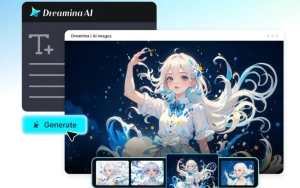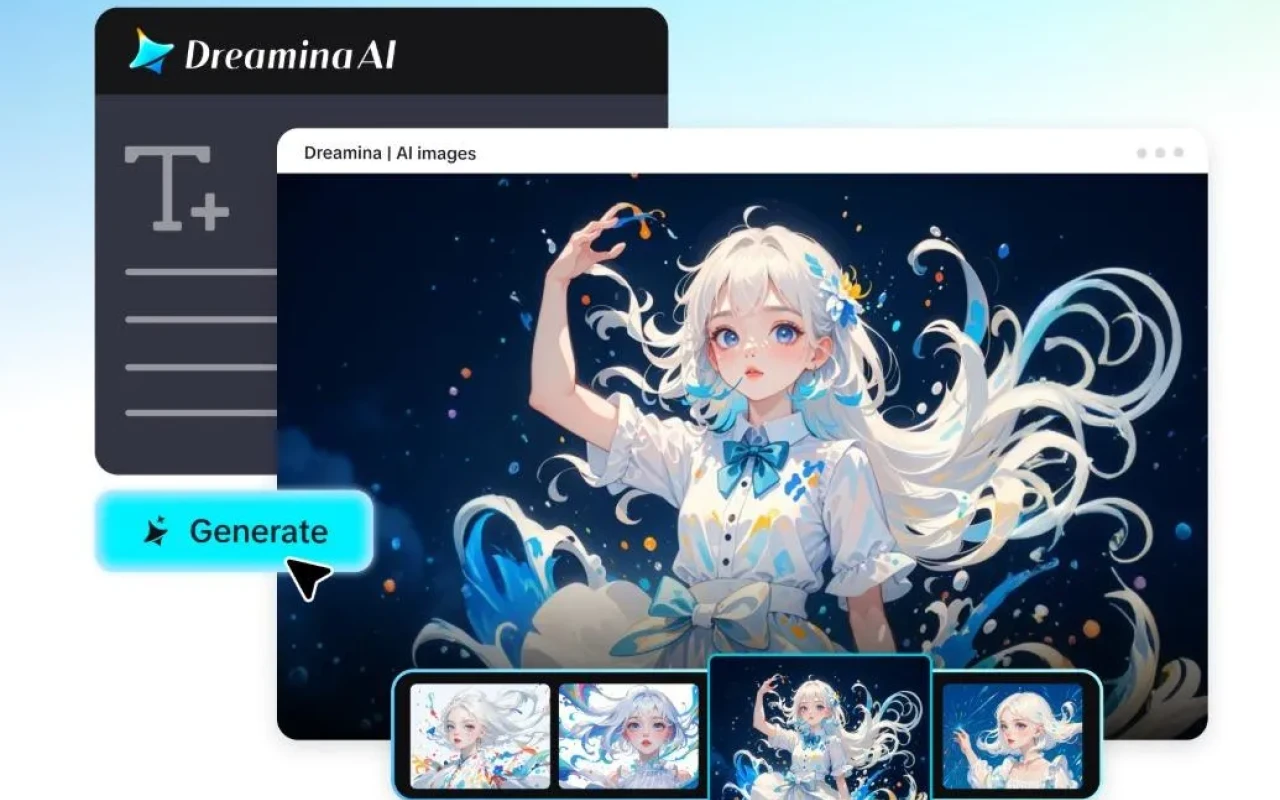
Dreamina's AI Marketing Studio helps fashion brands create cohesive lookbooks and promotional visuals for new collection drops using AI-generated images and videos.
- November 24, 2026
AceShowbiz - Fashion lookbooks serve as a gateway to new collections, showcasing them through carefully orchestrated photography, styling, and visual storytelling. They assist brands in conveying their seasonal messaging, introducing new ideas, and creating collection identities. But to create a complete lookbook, several images, styling, and compositions have to be planned. Dreamina's Marketing Studio is an AI-driven creative platform for generating fashion images and promotional videos. It's a one-stop solution for image generation, video creation, and editing. Use product pictures, creative prompts, reference photos, and AI-generated products. These resources can be used to create individual fashion products into a cohesive digital presentation. These images can be used in collection announcements, ecommerce promotions, and social media campaigns.
Why Fashion Brands Need Visual Lookbooks for New Product Drops
Fashion lookbooks convey the idea of the collection and how the products work with various styles. They provide an introduction to clothing silhouettes, fabric qualities, accessories, and combinations of clothes. Additionally, uniformity in the photography helps establish a visual flow between various product categories. This uniformity aids in brand recognition for collections, both in promotional materials and on ecommerce platforms. Lifestyle-based photography showcases new arrivals in familiar settings and styles. Lookbooks are not simply showcasing individual products; they are conveying the desired look and feel of the product and its versatility. A marketing studio is a creative tool that is used to determine various campaign options prior to finalizing promotional materials. AI-generated visuals also allow for exploring different backgrounds, compositions, and presentation styles. A visual direction is created with these creative explorations, which provides clarity for future product launches.
Plan a Cohesive Fashion Lookbook Before Generating Visuals
The first step to creating a successful lookbook is to have a clear creative direction. Determine the main idea, time of year, and mood of the collection. Then choose featured products such as clothes, shoes, handbags, jewelry, and additional accessories. Think about the contribution of each item to the image of the collection. Identify appropriate backgrounds, poses, lighting, and composition of photographs. Create a uniform colour palette, style guides, and image treatments. Make a decision on whether or not editorial photos, lifestyle shots, or promotional videos are necessary for the presentation. Having these items planned will ensure continuity in the assets generated. It also offers more instructions when creating multiple visualizations for different groups of collections.
Transform Fashion Product References into Lookbook Concepts with Dreamina's Marketing Studio
Dreamina's Marketing Studio transforms product photos into engaging marketing images. Upload clothing and/or accessory photos to create compositions. AI Image mode caters to fashion-centric visuals with product references and tailored prompts. Include information about fabric, clothing, colors, shapes, and style elements. Particular directions are given to clarify the desired presentation. There are also templates available that you can use as a template for various promotional ideas. There are also some reference images for composition, atmosphere, and visual treatment. We've discovered that by using editorial, lifestyle, and studio-inspired styles, we can get a different interpretation of a traditional product shot. These images can be added as add-on images in a digital lookbook. Check each result to see that significant product features are still identifiable.
Visualize Fashion Lookbooks for New Drops via AI Marketing Studio
Step 1: Upload your outfit photo and add a model avatar
- Sign up or log in to Dreamina so you can start building your new drop.
- Then open "Marketing Studio" from the left bar to reach every lookbook creation tool.
- Pick "AI video" for motion looks, "AI image" for stills, or "AI agent" for image and short video creation.
- Inside "AI video", select "Change style" to choose the fashion mood that matches your collection.
- Click "Product" to upload your garment photo, then click "Avatar" to bring in a model.
- You can also pick an existing product and avatar from the library instead.
- Write a prompt describing the fabric, mood, and runway feel you want, and add custom direction freely.
Step 2: Set your output and generate the lookbook video
- Click the "Reference" tab and add a video that shows the AI your preferred styling.
- Choose a model such as HappyHorse 1.1, Dreamina Seedance 2.5, Dreamina Seedance 2.0, Dreamina Seedance 2.0 Fast, Dreamina Seedance 2.0 Mini, or Wan 3.0, etc.
- Set a custom size and sharpness through the "Aspect ratio" and "Resolution" tabs.
- Open the "Duration" tab to pick how long each lookbook clip should run.
- Use the "@" option to mention or highlight a specific garment within your video.
- Finally, press "Generate" and let the AI start creating your lookbook.
Step 3: Preview, refine, and download your lookbook
- Watch the finished clip on full screen and check garment framing, the model's delivery, and pacing.
- If the result misses your vision, use "Edit prompt" or "Regenerate" to refine it.
- You can also open "Edit in canvas" to replace the background, add effects, or crop the video freely.
- Once you love the result, click "Download" to save it and share it across your marketing channels.
Create Distinct Fashion Presentation Styles for Different Collection Categories
Visually treating each fashion collection is different because it has its own unique characteristics. Dreamina's Marketing Studio offers creative flexibility, which allows you to experiment with different presentation styles. Here are some ways to think about when building coordinated lookbook imagery:
- Minimalist Editorial Lookbook: Opt for clean backgrounds and balanced compositions, highlighting garment silhouettes. Continue to style with simplicity to show off clothing.
- Luxury Fashion Presentation: Discover elegant lighting, sophisticated environments, and classy visual treatments. Focus on texture, tailoring, and unique features.
- Streetwear Collection Showcase: Add cityscapes, attitude, and dynamism. Show everyday clothes by using modern lifestyle photos.
- Seasonal Fashion Lookbook: Match backgrounds, colors, and looks to the themes for the seasonal collections. Environmental references can help to strengthen the collection's identity.
- Lifestyle Product Lookbook: Contextualize fashion products in the appropriate contexts. Present styling options in a realistic manner.
- Accessory-Focused Editorial: Highlight handbags, shoes, jewelry, and other accessories. Close-ups show the product's unique qualities.
Maintain Collection Consistency Across Multiple Lookbook Assets
Visual consistency is one way to link the individual photographs to the collection's identity. Extend product references in creating additional images for other promotional positions. Sync background, lighting, color, and styling between several product categories. Maintain recognizable garment appearances while exploring different compositions and environments. Creators can leverage Dreamina's Marketing Studio to repurpose product and avatar assets in creative projects. This is helpful for product launches, promotional posters, and social media announcements, and it helps to create a coherent image. But generated visuals must be carefully reviewed before being published. Verify colors, patterns, logos, textures, and accessory details on garments against the source. Prompt corrections of inconsistencies or use editing tools. Maintain the collection's creative vision, but don't make every photo look the same.
Adapt Fashion Lookbooks for Digital Campaigns and Promotional Channels
Each digital platform has specific image sizes and video formats. Make aspect ratio adjustments for fashion visuals to be used for various placements. Utilize portrait composition for content that will be posted vertically on social media and landscape composition for wider screens. Product images can be used for ecommerce promotions, collection announcements, and advertising materials. Themes of the collection are introduced in a promotional video, with movement, transitions, and presenter-led demonstrations. Dreamina offers supported translation tools as well to help in the preparation of localized campaign materials. Plan assets for each product drop and collection. This sort of framework makes the management of the promotional content easier in various channels and markets.
Conclusion
Fashion lookbooks are a way of bringing product photography together with creative story and visual presentation. Dreamina's Marketing Studio combines image generation, video creation, and editing in a single workspace. Product references, detailed prompts, and visual guidance are used to create unique campaign assets. The collection is also reinforced by thoughtfully styled and creatively directed pieces. Brands can showcase new drops in a unified digital experience by using fashion imagery and promotional videos. Every collection is visually identifiable through marketing channels.