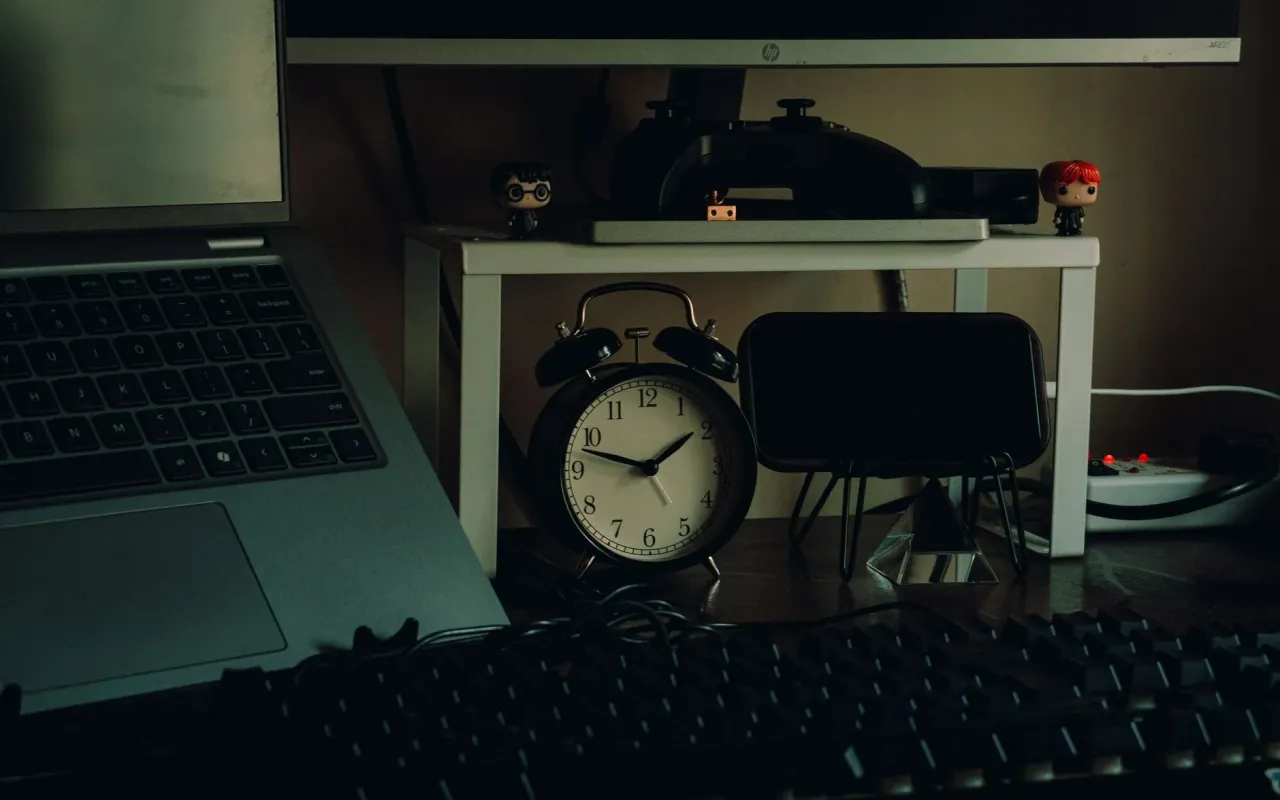
Remote work blurs every boundary. Here are the time management techniques that actually hold up when your office is your kitchen table.
- November 20, 2026
AceShowbiz - You rolled out of bed at 8:57 for a 9 a.m. meeting. Your commute is eleven steps. By 3 p.m. you've answered Slack messages, folded a load of laundry, and somehow still haven't started the one project that actually matters. Sound familiar?
Here's the uncomfortable truth: working from home doesn't fail because people lack discipline. It fails because the office used to do a lot of time management for you — the commute created transition time, the walls created boundaries, and the sight of coworkers kept you on task. Strip all that away and you have to build those systems yourself. The good news is that a handful of techniques, borrowed from productivity research and road-tested by remote workers, can replace what the office gave you for free.
Build a Fake Commute (Yes, Really)
Researchers who study work transitions have found that the commute serves a psychological function most people never notice: it's a decompression buffer that helps your brain switch between "home self" and "work self." When you eliminate it entirely, your brain never gets the signal that work has started or ended. That's why so many remote workers report feeling vaguely guilty all day and wired all night.
The fix is to create a transition ritual — a short, repeatable sequence that marks the start and end of your workday. It doesn't need to involve walking anywhere. Ten minutes with coffee on the porch, a five-minute stretch, a specific playlist you only play during work hours, or a quick lap around the block before you open your laptop all work. The key is consistency: the same cue every day trains your brain to shift gears on command.
End-of-day rituals matter just as much. Close your laptop, write down tomorrow's top three tasks, and physically leave the room. Some remote workers literally say "I'm leaving the office" out loud. It sounds silly until you try it and realize your evenings suddenly feel like evenings again.
Try this today: Pick one ten-minute activity you'll do every morning before opening any work app. Put it on your calendar as a recurring event so you can't skip it.
Time-Block Your Calendar Like It's a Meeting With Your Boss
To-do lists are where productivity goes to die. A list tells you what to do but not when, so the hardest tasks get pushed to "later" while you answer email — which feels productive but rarely moves anything forward. Time blocking flips this: you assign every task a specific slot on your calendar, treating your own work with the same respect you'd give a meeting with your manager.
The technique works because of a concept psychologists call implementation intentions — deciding not just what you'll do but exactly when and where you'll do it. Studies on goal-setting consistently show that people who specify the when and where follow through far more often than those who just commit to the what. In practice, this means instead of "write proposal" floating on a list, you have "write proposal, Tuesday 10–11:30 a.m., laptop, phone in drawer."
Two rules make time blocking actually stick. First, block your hardest work during your personal peak hours — most people get a two-to-three-hour window of sharp focus in the morning, and it's a waste to spend it on email. Second, leave about 30 percent of your day unblocked. Remote work is full of surprises, and a calendar with zero slack collapses the moment one thing runs long.
Actionable tip: Tonight, look at tomorrow and block just two things: your most important task and a 30-minute buffer. Don't try to block the whole week on day one.
Use Timeboxing to Beat the Task-Expansion Problem
Have you ever noticed that a task takes exactly as long as the time you give it? Parkinson's Law — "work expands to fill the time available" — is the unofficial mascot of remote work. A report that could take two hours somehow consumes a whole afternoon when there's no one around to notice you're dawdling.
Timeboxing is the antidote: you give each task a hard deadline and stop when the timer goes off, whether or not the work is "perfect." This is different from the Pomodoro Technique, which uses fixed 25-minute sprints. Timeboxing is flexible — you might give a task 90 minutes or 20, depending on its real weight — but the commitment is the same: when the box closes, you move on or consciously reschedule.
The magic here is that constraints force decisions. Without a deadline, you'll polish a slide deck for four hours. With a 45-minute box, you make it good enough, ship it, and spend the reclaimed time on something that actually matters. Remote workers who adopt timeboxing often report getting more done by noon than they used to in a full day at the office — not because they're working harder, but because they've stopped letting tasks sprawl.
Actionable tip: For your next task, set a timer for 80 percent of the time you think it'll take. You'll be surprised how often you finish right on time.
Protect Your Focus With Visible Boundaries
One of the strangest parts of working from home is that people can't see when you're busy. In an office, a closed door or headphones sends a clear signal. At home, your family, roommates, and even your own brain treat you as permanently available — because you technically are.
You need to make your focus visible, both to others and to yourself. Headphones on means "do not disturb" — tell the people you live with that this is a real rule, not a suggestion. A physical signal like a closed office door or a specific desk lamp that means "working" helps everyone in the house read the room without you having to announce it. And for the digital world, schedule your Slack and email checks in batches — say, three times a day — rather than letting notifications ping you every ninety seconds. Each interruption costs far more than the seconds it takes to read; refocusing after a notification can eat several minutes of productive thought.
Boundaries also apply to your own habits. The laundry pile, the dishes, and the fridge are all within arm's reach, and each one offers a tempting excuse to break focus. Batch household tasks into defined breaks rather than letting them leak into work time. The goal isn't to ignore your home — it's to stop your home from quietly eating your workday.
Actionable tip: Set your chat app to "focus" status during your blocked deep-work hours and tell your team you'll respond within the hour. Most colleagues will respect it — and some will copy you.
Run a Weekly Review to Keep the System Honest
No time management system survives contact with a real week without maintenance. Meetings pile up, priorities shift, and by Thursday your carefully blocked calendar looks like a suggestion. This is where the weekly review comes in — a 20-to-30-minute session, ideally on Friday afternoon or Monday morning, where you step back and check whether your system still matches your actual life.
The review doesn't need to be elaborate. Look at what you planned versus what you actually did. Ask three questions: Which blocks got hijacked, and why? What did I keep avoiding, and is it because it's genuinely unimportant or because it's uncomfortable? What's the single most important thing for next week? That last question alone can save you from a week of busywork.
This habit is what separates people who "do time management" from people whose time management actually works. Techniques like time blocking and timeboxing are only as good as the feedback loop behind them — without a weekly check-in, you'll drift back into reactive mode within a month. With one, you keep refining until the system fits you instead of the other way around.
Actionable tip: Book a recurring 30-minute "Weekly Reset" on Friday afternoons. Put it on your calendar now, before you finish reading this.
Stop Optimizing Your Day and Start Protecting Your Energy
Here's the part most productivity advice skips: time management isn't really about time. Everyone gets the same 24 hours. What varies is the quality of attention you bring to those hours — and that's governed by energy, not scheduling. A perfectly blocked calendar is useless if you're running on five hours of sleep and a lunch of vending machine chips.
Pay attention to your personal energy rhythms for one week. When do you feel sharpest? When does the 3 p.m. fog roll in? Schedule your hardest cognitive work in your peak window and save admin, email, and chores for the dips. Protect your sleep like it's a work commitment, take a real lunch break away from your desk, and get outside at least once during daylight hours. These aren't wellness clichés — they're the foundation every other technique rests on.
And build in genuine recovery. Remote work has a nasty habit of stretching the workday from nine hours to twelve because there's no commute to force an ending. Decide on a hard stop time and treat it as non-negotiable. The work will still be there tomorrow, and you'll do it better after a real evening off. The best time management system is the one that leaves you with enough energy to actually enjoy the life you're working for.
Actionable tip: Set a daily alarm for your hard stop time and shut the laptop when it goes off — even if you're mid-task. Tomorrow-you will thank you.