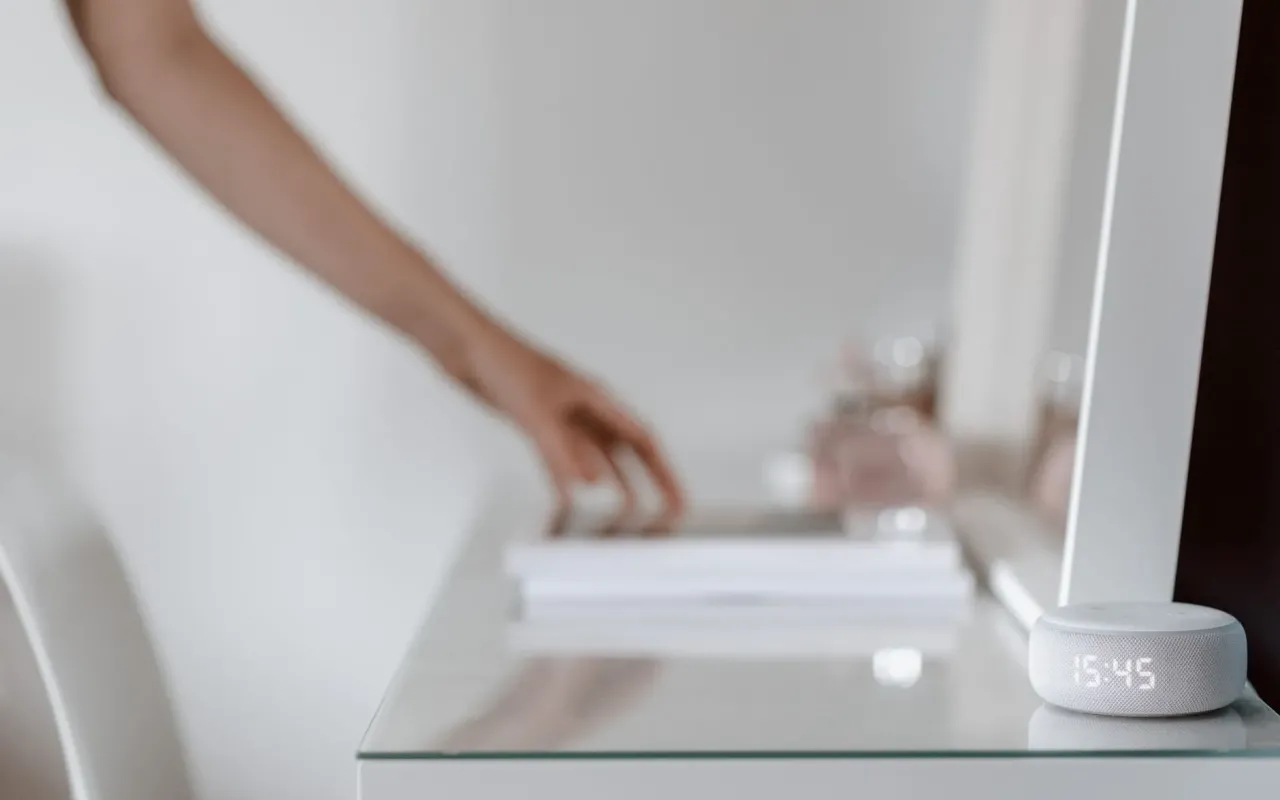
Skip the gimmicks. These smart home devices deliver real convenience, security, and savings without breaking your budget or your sanity.
- July 15, 2026
The Gadget Graveyard in Your Living Room
I have a drawer full of smart home devices that promised the world but delivered frustration. A smart plug that randomly disconnects. A voice assistant that mishears every command. A security camera that only records when nothing happens. If you've spent money on smart home tech before, you know the pain. The market is flooded with cheap gadgets that look impressive on Amazon but fail spectacularly in real life.
After testing over 40 devices in my own home and talking to dozens of homeowners, I've narrowed down the list to the ones that actually work. These aren't the flashiest or most expensive options. They're the devices that solve real problems, integrate smoothly into your daily routine, and don't require a computer science degree to set up. Let's cut through the noise and find what's truly worth your hard-earned cash.
Smart Thermostats: The Only Device That Pays You Back
If you buy only one smart home device this year, make it a smart thermostat. Unlike most gadgets that just add convenience, this one actively saves you money. The average household spends about $1,900 annually on energy bills, with heating and cooling accounting for nearly half of that. A smart thermostat can slash that by 10 to 15 percent, according to Energy Star data. That's $95 to $285 back in your pocket every single year.
Here's the real kicker: many utility companies offer rebates that bring the upfront cost down to around $100 or less. So the device essentially pays for itself within the first year. But not all smart thermostats deliver the same results. The Google Nest Learning Thermostat and the ecobee SmartThermostat Premium are the two heavy hitters here. The Nest learns your schedule and adjusts automatically, while the ecobee uses remote sensors to manage hot and cold spots in different rooms.
Practical tip: Install the thermostat in a central location away from direct sunlight, drafts, and heat-generating appliances. If your hallway gets no direct sun but your living room bakes in the afternoon, use ecobee's room sensors to prioritize comfort where you actually spend time. Don't just stick it on the wall and forget it—spend 20 minutes setting up the schedule and geofencing features. That's where the real savings live.
Video Doorbells: Security Without the Subscription Trap
Ring doorbells are everywhere, and for good reason. They let you see who's at your door from anywhere, scare off package thieves, and record footage for evidence if something goes wrong. But here's what nobody tells you: most video doorbells are designed to lock you into a monthly subscription. Without it, you get a live feed but no recording. That defeats the whole purpose of having a security device.
The Eufy Video Doorbell S330 is the standout exception. It records 24/7 to a local base station with no monthly fees. The 2K resolution is sharp enough to read license plates and facial features, and the battery lasts about six months on a single charge. You also get AI-powered detection that can tell the difference between a person, a package, and a passing car—so you don't get pinged every time a leaf blows across your porch.
Practical tip: Before buying any video doorbell, check your existing doorbell wiring voltage. Most smart doorbells need 16 to 24 volts AC. If your house is older, you might need a transformer upgrade, which costs about $20 and takes 30 minutes to install. Also, position the camera at a slight downward angle to capture packages on the ground, not just the sky. A doorbell pointed at the clouds is useless for catching porch pirates.
Smart Plugs and Switches: The Low-Hanging Fruit
Smart plugs are the cheapest entry point into home automation, but they're also the most abused. People buy a four-pack, plug in a lamp, and then wonder why they never use the voice control feature. The real value of smart plugs comes from automating repetitive tasks. Set your coffee maker to start brewing 10 minutes before your alarm. Program your bedroom lamp to fade on slowly at sunrise so you wake up naturally. Turn off all your Christmas lights from bed instead of crawling under the tree.
The Kasa Smart Plug Mini by TP-Link is my go-to recommendation. It costs about $12 per plug, supports both Alexa and Google Assistant, and has never dropped a connection in two years of use. For switches, the Lutron Caseta Wireless Smart Lighting Starter Kit is more expensive at around $100, but it works with virtually any bulb type and doesn't require a neutral wire. That's huge if your house was built before the 1980s when neutral wires weren't standard.
Practical tip: Don't use smart plugs for high-wattage appliances like space heaters or hair dryers. Most smart plugs are rated for 15 amps max, and space heaters can draw 12 to 15 amps continuously. That's a fire risk. Stick to lamps, fans, coffee makers, and small electronics. Also, label each plug with the device name in the app—naming them "Living Room Lamp" instead of "Plug 1" makes a world of difference when you're yelling at Alexa.
Smart Locks: Convenience That Actually Works
I used to carry a keychain with seven keys. Now I carry none. Smart locks are one of those upgrades that feels like a luxury until you use them for a week, and then you can't imagine going back. The August Wi-Fi Smart Lock is my top pick because it retrofits onto your existing deadbolt. You don't have to replace your entire lock or hand out new keys to your family. Just screw the device onto the inside of your door, and your old key still works from the outside.
The real magic is in the auto-lock and auto-unlock features. As you walk up to your door, your phone's Bluetooth detects your proximity and unlocks it automatically. When you leave, it locks behind you. You can also create virtual keys for guests, dog walkers, or house cleaners that only work during specific hours. No more hiding a spare key under the doormat or worrying about whether you locked the front door after leaving for vacation.
Practical tip: Install the lock on a door that you use daily, not your back door that opens twice a month. The battery lasts about three to six months depending on usage, and you'll get low-battery warnings in the app well before it dies. Keep a spare key in your car or with a neighbor as a backup—smart locks are reliable, but electronics can fail at the worst possible moment. Also, make sure your door is properly aligned; if the deadbolt doesn't slide smoothly, the motor will struggle and drain the battery faster.
Smart Lights: Don't Buy the Hype, Buy the Strategy
Smart bulbs are fun, but they're also expensive and often unnecessary. A single Philips Hue color bulb costs about $50. If you want to light up your entire living room, you're looking at $200 to $300 just for bulbs. That's insane when a smart switch costs half that and controls all the lights on that circuit. The smarter strategy is to use smart bulbs only where you need color or dimming, and use smart switches everywhere else.
For color bulbs, the Philips Hue line is still the king. The color accuracy is excellent, the app is polished, and the integration with Alexa, Google, and Apple HomeKit is seamless. But if you just want white light that dims and turns on/off by voice, go with the Wyze Bulb. It costs $8 per bulb, works with Alexa and Google, and doesn't require a hub. The catch is that it only works over Wi-Fi, so if your network goes down, so do your lights.
Practical tip: Create "scenes" for different times of day. A bright, cool white scene for morning coffee. A warm, dim scene for evening wind-down. A red-tinted scene for late-night bathroom trips that won't ruin your sleep cycle. Most smart bulb apps let you schedule these scenes to activate automatically. Also, if you have a three-way switch (two switches controlling one light), you need a smart switch designed for that setup. Regular smart switches will leave one switch useless.
Smart Sensors: The Overlooked Heroes
Everyone talks about cameras and lights, but sensors are the unsung workhorses of a smart home. A door sensor costs about $20 and can trigger a dozen different automations. Open the front door, and your entryway lights turn on. Close the garage door at night, and your thermostat adjusts to sleep temperature. A water leak sensor under your washing machine can save you thousands in flood damage by alerting your phone the second moisture is detected.
The Aqara Door and Window Sensor is my favorite because it's tiny, battery-powered, and works with Apple HomeKit, Alexa, and Google. It pairs with the Aqara Hub, which costs around $40 and also supports motion sensors, temperature sensors, and smart plugs. The whole ecosystem is affordable—you can outfit an entire house for under $200. For water leak detection, the Govee Wi-Fi Water Sensor is a solid choice at $25 for a three-pack. It sends push notifications and blares a loud alarm when it detects moisture.
Practical tip: Place water sensors not just under sinks but also behind your refrigerator, near your water heater, and next to your washing machine. Those are the spots where leaks happen silently and cause the most damage. For door sensors, put them on your garage door and mailbox as well. You'll get a notification when the mail arrives or if the garage door is left open. These small automations save you from walking back to check things you already know you forgot.
Smart Vacuums: The One That Actually Cleans
Robot vacuums have a bad reputation for getting stuck under furniture, missing corners, and dumping dirt back onto the floor. But the latest generation has solved most of those problems. The key feature to look for is LiDAR navigation, which uses lasers to map your home in real time. Cheap robot vacuums use random bump navigation, which is why they miss spots and run into things. A LiDAR-equipped model like the Roborock Q5+ or the iRobot Roomba j7+ actually learns your floor plan and cleans in efficient rows.
The Roborock Q5+ is the best value right now at around $400. It has 2,500Pa of suction, which is enough for hardwood floors and low-pile carpets. It also empties itself into a dock that holds up to seven weeks of debris. That means you don't have to touch a dustbin for almost two months. The Roomba j7+ is more expensive at $600 but has better object avoidance—it can identify and avoid cords, socks, and pet waste. That's worth the premium if you have pets or kids who leave things on the floor.
Practical tip: Before your robot vacuum's first run, pick up loose cords, small toys, and anything fragile off the floor. Set up virtual no-go zones in the app for areas with lots of cables or delicate items. Run the vacuum daily while you're at work, and you'll never have to sweep again. Also, empty the dock's bag when the app tells you, not when you notice the vacuum is struggling. A full bag reduces suction by up to 50 percent.
The Bottom Line: Start Small, Think Big
You don't need to spend $2,000 to have a smart home. Start with one or two devices that solve a specific problem you face every day. If you hate coming home to a cold house, get a smart thermostat. If you worry about package theft, get a video doorbell. If you're tired of sweeping, get a robot vacuum. Each device should make your life measurably easier, not add another app to your phone or another remote to your coffee table.
The best smart home upgrades are the ones you forget about after a week because they just work. They fade into the background and handle the boring stuff so you can focus on the things that actually matter. So skip the gimmicks, ignore the flashy ads, and buy the devices that deliver real value. Your wallet, your time, and your sanity will thank you.