Ditch the tech overwhelm. Build a smart home starter kit with gadgets that save time, money, and frustration. No jargon, just what works.
- June 27, 2026
AceShowbiz - You know that feeling when you're halfway to work and suddenly panic about whether you left the coffee maker on? Or when you're lying in bed, lights blazing, because getting up to flip a switch feels like a marathon? That's the exact moment most of us start Googling "smart home stuff." But then you hit a wall of jargon—Zigbee, hubs, bridges, ecosystems—and suddenly you're three YouTube rabbit holes deep, wondering if you need a computer science degree to turn off a lamp.
Here's the truth: a smart home isn't about having the most gadgets. It's about having the right gadgets that remove daily friction. The kind that make you say, "Why didn't I do this sooner?" Not the kind that require a troubleshooting manual. I've been building mine piece by piece for three years, and I've made every mistake: buying a hub that needed another hub, getting a lock that wouldn't talk to my phone, and spending $60 on a plug that did less than a $15 one. This article is your shortcut past those errors.
We're going to build a smart home starter kit—not a tech demo, but a practical set of tools that save you time, lower your bills, and maybe even make you feel a little bit like you're living in the future. No fluff, no brand shilling, just honest picks that work for real people in real apartments and houses.
Why Your First Smart Home Device Should Be a Smart Plug (and Which One to Buy)
If you're starting from zero, don't buy a smart speaker first. Don't buy a hub. Buy a single smart plug. It's the cheapest, lowest-risk way to figure out if this whole "smart home" thing is for you. A smart plug turns any dumb appliance into a controllable device. You plug your lamp, fan, or coffee maker into it, and suddenly you can turn that thing on or off from your phone or with your voice.
The "so what?" is immediate: you can schedule your bedside lamp to dim slowly at 6:30 AM so you wake up to light instead of a blaring alarm. You can set your coffee maker to start brewing when your alarm goes off. You can kill the power to your space heater when you leave the house so you never worry about fire risk. It's one small gadget that solves three real problems.
For a starter kit, I recommend the Kasa Smart Plug HS103 or the Amazon Smart Plug. The Kasa is usually $10-15, works with Alexa and Google Assistant, and has a solid app that doesn't crash. The Amazon plug is simpler but only works with Alexa, which is fine if you're already in that ecosystem. Avoid the fancy ones with energy monitoring at first—you'll pay double for a feature you'll check once and forget. Start cheap, see if you like it, then expand.
Actionable takeaway: Buy one smart plug today. Plug in your most-used lamp or fan. Set a schedule for it to turn on 15 minutes before you wake up. If you hate it, you're out $12. If you love it, you know the smart home bug is worth chasing.
The Smart Speaker: Your Command Center (But Pick the Right Ecosystem)
Once you have a smart plug, you'll want to control it without pulling out your phone. That's where a smart speaker comes in. It's the voice that lets you say "turn off the living room lights" while you're buried under a blanket. But here's the trap: the speaker you pick locks you into an ecosystem. Amazon's Alexa, Google Assistant, and Apple's Siri don't play nicely together. Choose wrong, and you'll have gadgets that refuse to talk to each other.
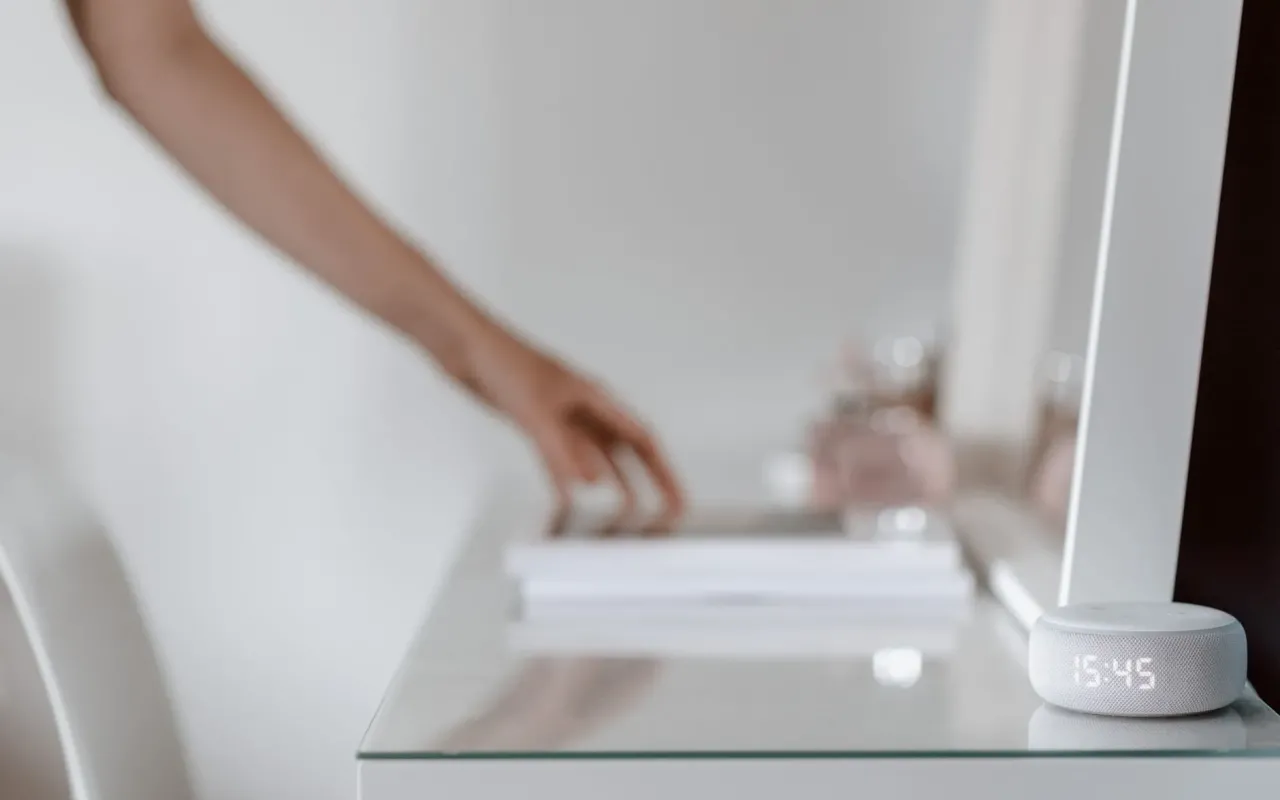
For most people, the best choice is either an Echo Dot (Amazon) or a Nest Mini (Google). Both are around $30-40 and do the basics well: voice control, timers, music, weather. The real difference is in the ecosystem. Alexa has more compatible devices, period. Google Assistant has better conversational ability and answers questions more naturally. If you already use Amazon for shopping, go Alexa. If you live in Google's world (Gmail, Calendar, Android), go Nest Mini. Avoid buying both unless you enjoy chaos.
Don't buy the big, expensive ones like the Echo Studio or Google Home Max for your starter kit. You don't need audiophile sound for turning lights on and off. Save that money for gadgets that actually do work. The small pucks are enough. Place one in your living room or kitchen—wherever you spend the most time and need hands-free help while cooking or relaxing.
Actionable takeaway: Pick one ecosystem (Amazon or Google) and stick with it. Buy a single Echo Dot or Nest Mini. Set it up, link your smart plug, and say "turn on the lamp" from across the room. That moment—when it actually works—is when the smart home becomes real.
Smart Lights: Where the Magic Happens (and Where You Can Waste Money)
Smart plugs are great for things that have a physical switch. But for overhead lights or lamps where you want more than just on/off, you need smart bulbs. This is where you can go wild or go broke. A single Philips Hue bulb costs $50. A single Wyze bulb costs $10. Both do the same core job: turn on/off from your phone, change brightness, and set schedules. The difference is color range and build quality, but for a starter kit, the cheap ones win.
I recommend starting with two or three Wyze Bulbs or Kasa Smart Bulbs (both around $10-15 each). Put them in the lights you use most: your bedside lamp, your living room floor lamp, and your kitchen pendant light. Set up routines: lights gradually brighten in the morning, dim to warm orange in the evening, and turn off automatically when you leave. The "so what?" is that you stop thinking about lighting. It just happens, and it adjusts to your natural rhythm.
One mistake I made: buying a bunch of color-changing bulbs. Unless you're throwing a party every week, you'll use the white setting 99% of the time. Save the RGB bulbs for accent strips behind your TV or desk. For general lighting, stick with tunable white bulbs that go from cool (daylight) to warm (cozy). Your sleep will thank you—cool light in the morning wakes you up, warm light at night tells your brain to wind down.
Actionable takeaway: Replace your most-used lamp bulb with a $10 smart bulb. Set a schedule: 100% cool white at 7 AM, 50% warm white at 9 PM, off at 10 PM. Notice how your evening feels calmer. That's the power of light you don't have to think about.
Smart Thermostats: The Gadget That Pays for Itself (Eventually)
This is the one gadget in your starter kit that has a real return on investment. A smart thermostat learns your schedule, adjusts temperatures when you're away, and can cut your heating and cooling bills by 10-15% according to Energy Star data. For a typical household, that's $100-150 a year saved. The thermostat itself costs $130-250, so it pays for itself in 1-2 years. After that, it's pure savings.
The two big players are Nest Thermostat (Google) and ecobee SmartThermostat. Nest is simpler, with a sleek design and auto-scheduling that learns your patterns. ecobee comes with a room sensor that you can put in your bedroom, so it prioritizes that room's temperature at night. If you sleep in a hot bedroom while the rest of the house is fine, ecobee wins. If you want a device that just works without tinkering, Nest is your pick.
Installation is easier than you think for most homes. You'll need a C-wire (common wire) for power, but many modern houses have it. If yours doesn't, Nest includes a workaround, and ecobee has an adapter. Watch a 5-minute YouTube video before buying to check your current thermostat's wiring. If it's a standard system, you can DIY it in 20 minutes. If you have a heat pump or older system, call an electrician—it's $100-150 and worth the peace of mind.
Actionable takeaway: Check your current thermostat. If it's a basic programmable model, replace it with a Nest or ecobee. Set up the away mode so it stops heating or cooling when you're gone. Check your energy bill in two months. The savings will feel better than any gadget novelty.
Smart Locks: Convenience vs. Security (and Why You Shouldn't Overthink It)
Smart locks are the most controversial gadget in a starter kit. Some people love never needing keys again. Others worry about hackers or battery failures. The reality is simpler: a smart lock is a convenience upgrade, not a security downgrade. Most smart locks still have a physical key backup. And the risk of someone hacking your lock is far lower than the risk of you locking yourself out or losing your keys.
For your first lock, go with a Schlage Encode or Yale Assure Lock 2. Both are around $200-250 and work with Alexa or Google. They replace your entire deadbolt, not just a latch, so they're actually more secure than some cheap keyed locks. The key feature you want is auto-lock: the door locks itself 30 seconds after you close it. No more lying in bed wondering if you locked the front door. You can check from your phone and lock it remotely.
Don't buy a lock that requires a separate hub (like some August or Kwikset models). For a starter kit, you want a lock that connects directly to your Wi-Fi. Yes, it uses more battery, but you'll replace batteries once a year. The convenience of not needing an extra box is worth it. Also, get the version with a keypad, not just a phone app. You want to give a temporary code to your dog walker or house cleaner without handing over your phone.
Actionable takeaway: Install a smart lock on your most-used door (front door, not garage). Set up auto-lock for 30 seconds. Create a temporary code for your neighbor who waters your plants. The first time you drive away and realize you don't know if you locked the door, check your phone and relax. That feeling is priceless.
Smart Sensors: The Overlooked Heroes That Prevent Problems
Most people stop after lights, plugs, and a thermostat. But the unsung heroes of a smart home are sensors. These are tiny, cheap devices that don't do anything flashy—they just detect stuff. A door sensor tells you if the garage door is open. A motion sensor turns on lights when you walk into a room. A water leak sensor screams at your phone before a pipe burst floods your basement. These are the gadgets that prevent disasters, not just add convenience.
For a starter kit, buy a three-pack of Aqara Door and Window Sensors or Wyze Sense (both around $20-30 for a pack). Stick one on your front door (to alert you when the kids get home from school), one on your medicine cabinet (to remind you to take vitamins), and one on your garage door (to check if it's closed from bed). Then add one Water Leak Sensor ($15-20) under your kitchen sink or near your water heater. This is the cheapest insurance you'll ever buy.
Motion sensors are trickier. They're great for automating lights—walk into the hallway at night, lights come on dim, then turn off after you leave. But they can also trigger false alarms if you have pets. If you have a cat, skip motion sensors for now. Stick with door sensors and leak sensors. They're silent, reliable, and they only bother you when something actually needs attention.
Actionable takeaway: Buy a pack of door sensors and one water leak sensor. Stick the door sensor on your garage door. Set up a notification in your smart home app: "Garage door open for more than 10 minutes." Place the leak sensor under your sink. The first time it catches a slow drip, you'll understand why sensors are the real MVP of a smart home.
Tying It All Together: The Starter Kit Checklist and Next Steps
You don't need to buy everything at once. A smart home is built over time, one gadget at a time. The goal is to solve one problem, see if it works, then solve the next. Start with the smart plug to test the waters. Add the speaker to control it with your voice. Then layer in lights, thermostat, lock, and sensors as you go. By the end, you'll have a handful of gadgets that work together to make your home feel responsive, not demanding.
Here's your starter kit checklist with estimated costs:
- Smart plug: $10-15 (Kasa or Amazon)
- Smart speaker: $30-40 (Echo Dot or Nest Mini)
- Smart bulbs (2-3): $20-45 (Wyze or Kasa)
- Smart thermostat: $130-250 (Nest or ecobee)
- Smart lock: $200-250 (Schlage or Yale)
- Sensors (pack + leak): $35-50 (Aqara or Wyze)
One final tip: don't try to connect everything to each other on day one. Just set up each gadget individually in its own app. Once you're comfortable, explore routines (e.g., "Goodnight" turns off all lights, locks the door, and sets the thermostat to sleep mode). That's when the magic happens—when gadgets stop being individual toys and become a system that works for you. Start small, stay practical, and enjoy the feeling of a home that actually listens.